
Your team: invites and roles
Seats are unlimited on every plan — you never pay per person, so there’s no reason to share one login. Everyone gets their own account, their own name on the posts they write, and only the brands you give them.
Inviting someone#
Open Team, type their email, tick the brands they should reach, and pick a role.
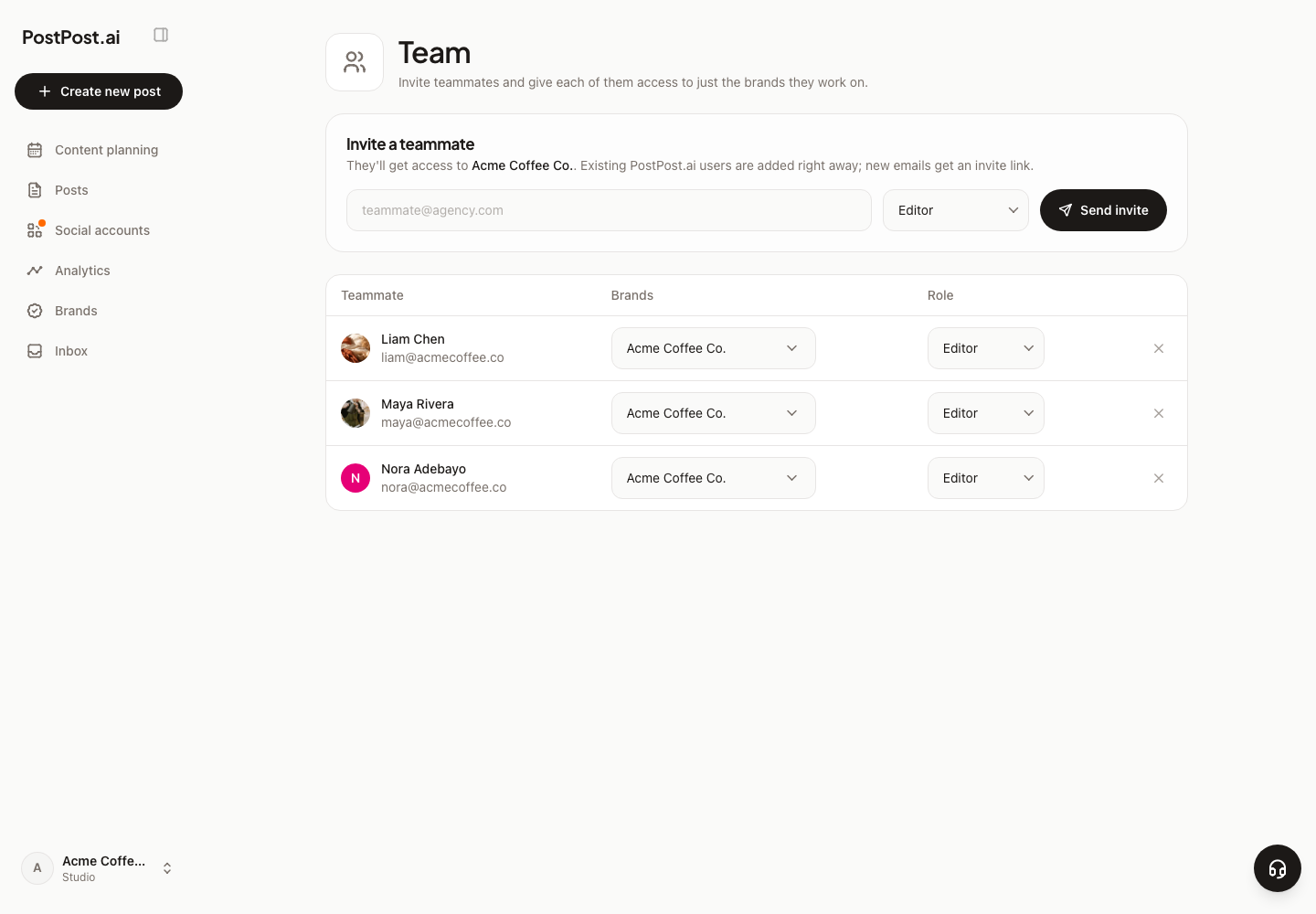
- Someone who already has a PostPost.ai account is added straight away.
- A new email gets an invite link and shows as pending until they accept. The link is good for 7 days; if it lapses, send it again from the same row.
- Access is per brand, so a freelancer can be on one client’s brand and see nothing of the others.
- Removing someone takes effect immediately.
The three roles#
| Role | What they can do |
|---|---|
| Owner | Everything — the brand, the team, settings, billing, and the visual brand kit |
| Editor | Create, edit and publish content |
| Viewer | Read-only access |
Only Editor and Viewer are handed out; the Owner is the person whose account the brand lives on.
What the roles actually mean day to day#
An Editor can write, generate, edit and schedule posts, publish them, upload media, change the brand’s voice, offerings, company details and contacts, and work the Inbox.
An Editor cannot change the visual brand kit — logo, color palette, fonts. That’s the owner’s, so nobody reshapes the brand’s look by accident. Team, billing and deleting a brand are the owner’s too.
A Viewer sees the content and the calendar and can’t change anything. They don’t see the Inbox at all — it carries private customer messages, so it’s Owner and Editor only. See Comments and DMs in the Inbox.
Two things teams get wrong#
- AI credits are one shared pool. Every generation any teammate runs is paid from the account owner’s wallet, whichever brand they’re working on. One number to watch, not one per person — see How AI credits work.
- Publishing failures reach two people. If a channel fails, the email goes to the post’s author and the brand owner — because an Editor often can’t reconnect a channel or top up credits, and the person who can needs to know. See When a post doesn’t publish.
Working with clients#
Clients usually don’t need an account at all: you can send them a read-only link to a single post for review. That, and running several brands in one account, is in Working with several brands and clients.