
Create your brand from your website URL
PostPost.ai is URL-first: you start by giving it your website address, and it builds your brand profile for you. There is no form to fill in first, and nothing to import from another tool.
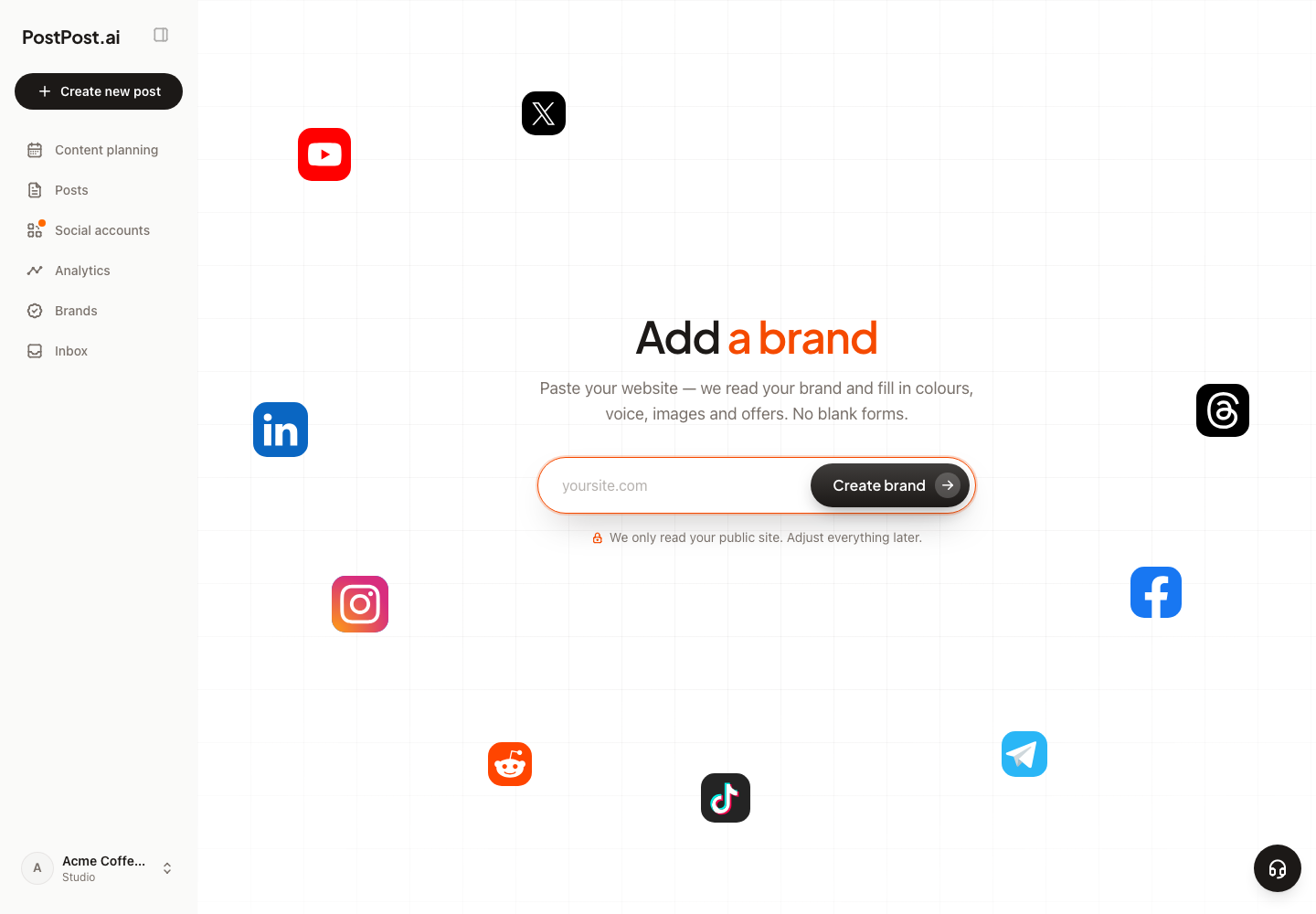
How the import works#
- Enter your website URL. PostPost.ai immediately starts reading your site in the background.
- Brand analysis. The importer extracts your brand identity: business name, logo, color palette, fonts, tone of voice, your offerings (products or services), and photos from your pages. You’ll see a live recap card filling in as data is found.
- A few quick questions. While the analysis runs, PostPost.ai asks about your role, posting frequency, content goals, and target channels. Every question is skippable, and you can type your own answers.
- Preview. PostPost.ai generates real draft posts for your brand so you can see what on-brand content looks like before you commit. The import and this preview are on us — they don’t touch your credit balance.
After you sign up#
Right after checkout you’ll see a short setup confirmation: review the Brand Kit that was parsed from your site (logo, colors, fonts, voice) and connect your social channels. Everything the importer found stays editable — you can change any part of the Brand Kit later, and your edits always win over the imported values.
Tips#
- The more complete your website is, the better the import. A clear homepage with your logo and service descriptions gives the best results.
- If a page is behind a login, a cookie wall, or built so that its text only appears after scripts run, the importer may see less of it than you do. Anything it missed you can add by hand in Settings.
- Getting the wrong logo or an off palette is normal for sites with several logo variants — pick the right one in Design Style, where every logo the importer found is kept.
- Re-reading your site later is one click — Re-scan now, on your brand page. That one does spend credits, because it is a fresh AI pass over your pages. Content pillars you customised yourself are kept.
Adding a second brand#
Every plan above Business carries more than one brand, and a new brand starts the same way — a URL. Brands are fully separate: their own kit, channels, content, calendar, and team members. See Your team, several brands, and clients.