
Uploading your own photos and video
You can always bring your own media instead of generating it: drop files into the post editor, into the plan composer as reference material, or straight into your brand library (Settings → Brand Visuals). Anything you upload stays in the library, so you can reuse it later.
What PostPost.ai accepts#
| Formats | Maximum size | |
|---|---|---|
| Photos | PNG, JPEG, WebP, GIF | 32 MB per file |
| Video | MP4, MOV | 64 MB per file |
WebP is accepted and converted to JPEG on the way in — Instagram refuses WebP outright, so keeping it as-is would mean a post that can’t publish.
Why a file gets refused#
The refusal always names the reason and what to do about it, rather than a generic error:
- HEIC / HEIF (the default iPhone photo format) — save or export it as JPEG first.
- WebM, MKV, AVI, 3GP — use MP4 or MOV. PostPost.ai doesn’t transcode video, and most networks won’t take these, so a converted-on-upload clip would be a post that fails at send time.
- SVG, AVIF, TIFF, BMP — export a JPEG or PNG.
- Over the size cap — the message names the file, its actual size, and the limit.
Those two size caps are ours, not the networks’. They’re set by what the publishing path can safely carry; almost every network’s own per-file limit sits above them.
An accepted file is not promised to every channel#
Networks have their own per-file rules, and PostPost.ai checks them before a send rather than letting the network answer with an error:
- Instagram — JPEG and PNG only, aspect ratio between 0.75:1 and 1.91:1.
- X — 5 MB per image, 15 MB for a GIF.
- Telegram — 10 MB per photo, 50 MB per file.
A file one channel can’t take is dropped from that channel only and the post says so (“Facebook posted 2 of 3 items”). Your other channels publish the full set on time. A channel fails only when nothing publishable is left for it. See What each channel accepts.
Video, specifically#
- One clip per post. PostPost.ai picks the native surface — Reel, Short, or a plain video post — from the clip’s orientation, so you don’t choose it.
- The clip you upload is the clip that publishes; there is no re-encoding, no cropping, and no aspect-ratio fixing on the way out.
- YouTube and TikTok take video only: a post with no video can’t go to either.
- 64 MB is roughly 60–90 seconds of 1080p phone footage. For anything longer, export at a lower bitrate.
Where uploads show up#
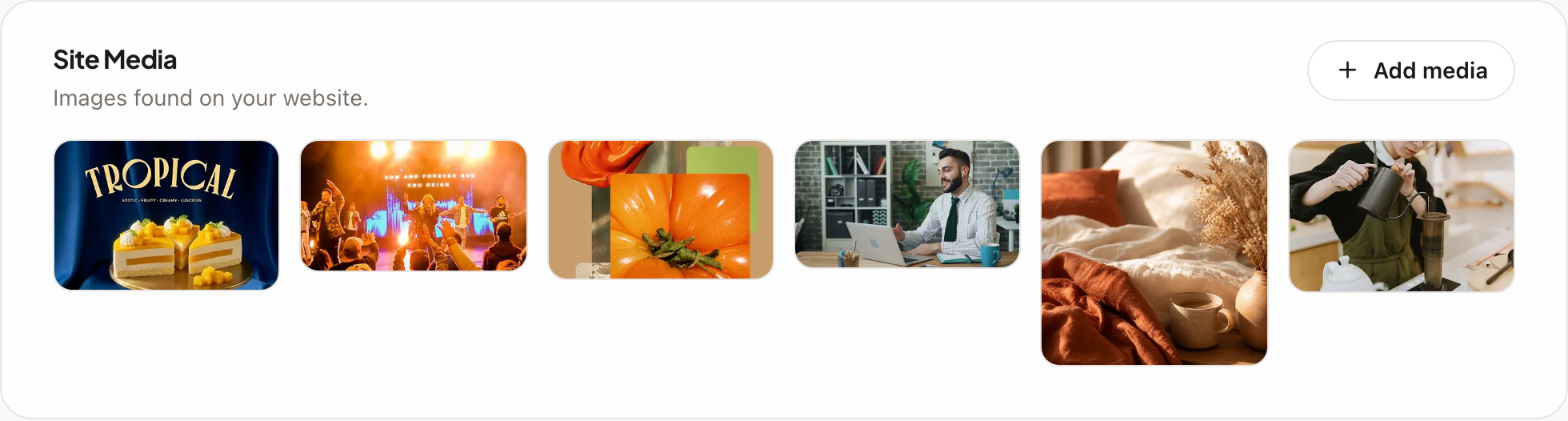
Every upload lands in the brand library alongside the photos the importer pulled from your website, and generated images you keep. From the library you can attach a file to any post, so a shot you upload once can be used all week.